
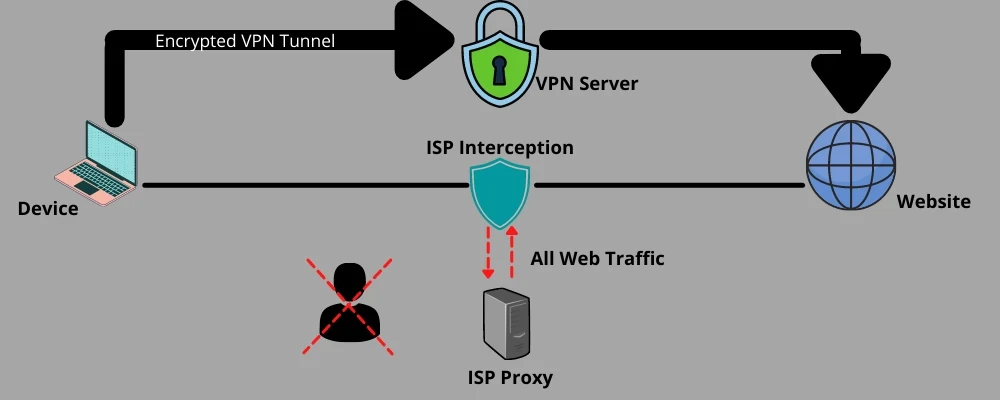

This guide explains how to use a Bash script to install and configure a Squid Proxy server on a machine running Ubuntu, CentOS, AlmaLinux, or Rocky Linux with authentication (username and password) support.
https://github.com/Ematrex-Scripts/E-MATREX/blob/main/setup_proxy.sh
The script must be run as root, or it will not work properly.
To switch to the root user, run:
sudo su
Then execute the script as described below.
The script requires three arguments when executed:
bash setup_proxy.sh <PORT> <USERNAME> <PASSWORD>
Example:
bash setup_proxy.sh 3128 myuser mypassword
Ensures it is run as root:
Detects the Operating System and Version:
/etc/os-release to determine if the system is Ubuntu, CentOS, AlmaLinux, or Rocky Linux.Installs Squid and Required Packages:
apt-get to install Squid and apache2-utils.yum or dnf to install Squid and httpd-tools.Sets Up Authentication (Username & Password):
squid_passwd) and stores the username and password.Configures Squid Proxy:
http_port 0.0.0.0:$PORT_PROXY).Validates Squid Configuration:
squid -k parse to check for errors.Restarts Squid and Enables It on Boot:
systemctl restart squid and systemctl enable squid to start Squid and ensure it runs automatically on boot.After running the script, verify if Squid is active with:
systemctl status squid
If it's running, you should see:
Active: active (running)
Once Squid is installed and running, you can configure your browser, system, or tools to use it.
curl -x http://myuser:mypassword@your-server-ip:3128 http://google.com
(Replace your-server-ip with your actual server's IP.)
🔴 Squid is not running after executing the script?
journalctl -xe | grep squid
firewall-cmd --add-port=3128/tcp --permanent
firewall-cmd --reload
🔴 Authentication Issues?
squid_passwd file contains your credentials:
cat /etc/squid/squid_passwd
This script provides a quick and easy way to set up a Squid Proxy with username and password authentication on Ubuntu, CentOS, AlmaLinux, or Rocky Linux. If you need to customize the configuration, you can modify Squid’s config file at /etc/squid/squid.conf. 🚀

Stay Updated! Join Our Channels for the Latest News and Notifications
Stay connected with us on social media!
Sign up for our newsletter to receive the latest updates, tips, and exclusive offers for improving your email marketing campaigns!